





 Return of goods within 14 days
 31 stores
 ALL OVER LATVIA
 High
High rating
 Official
 warranty
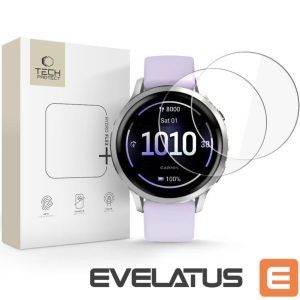
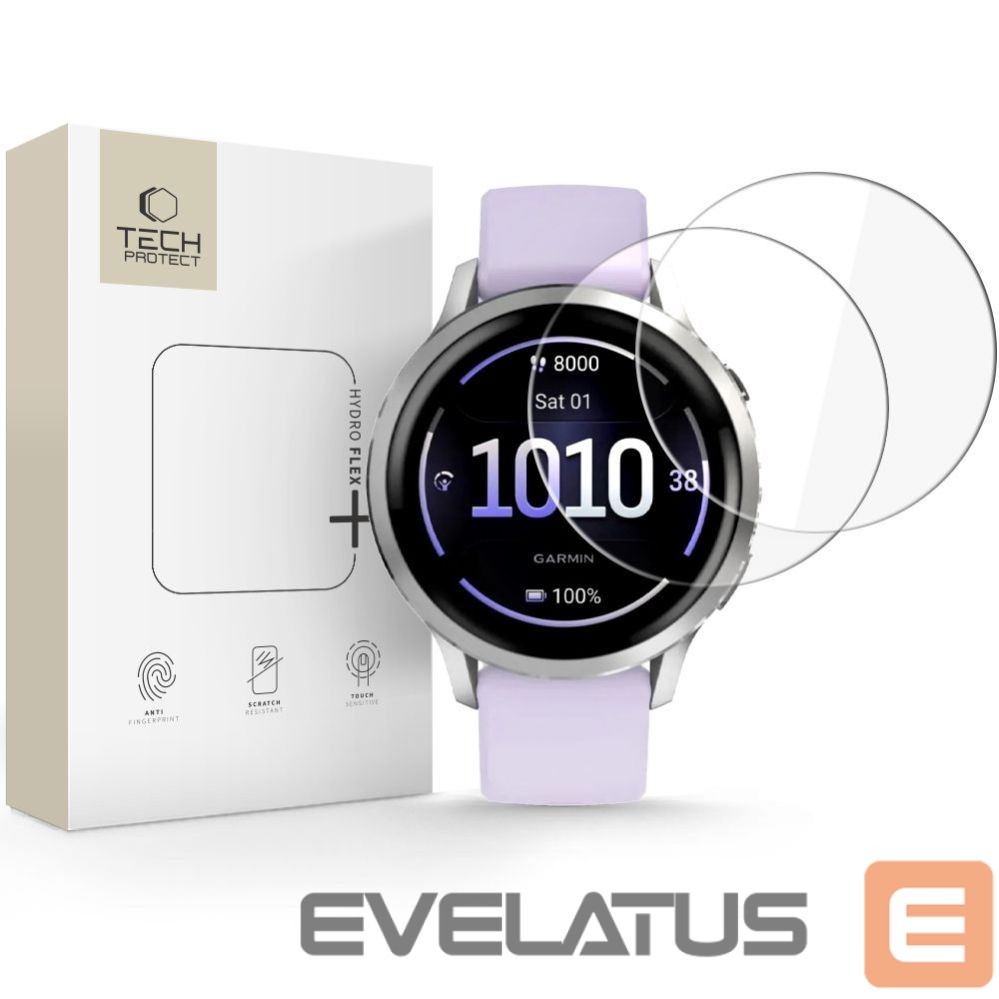
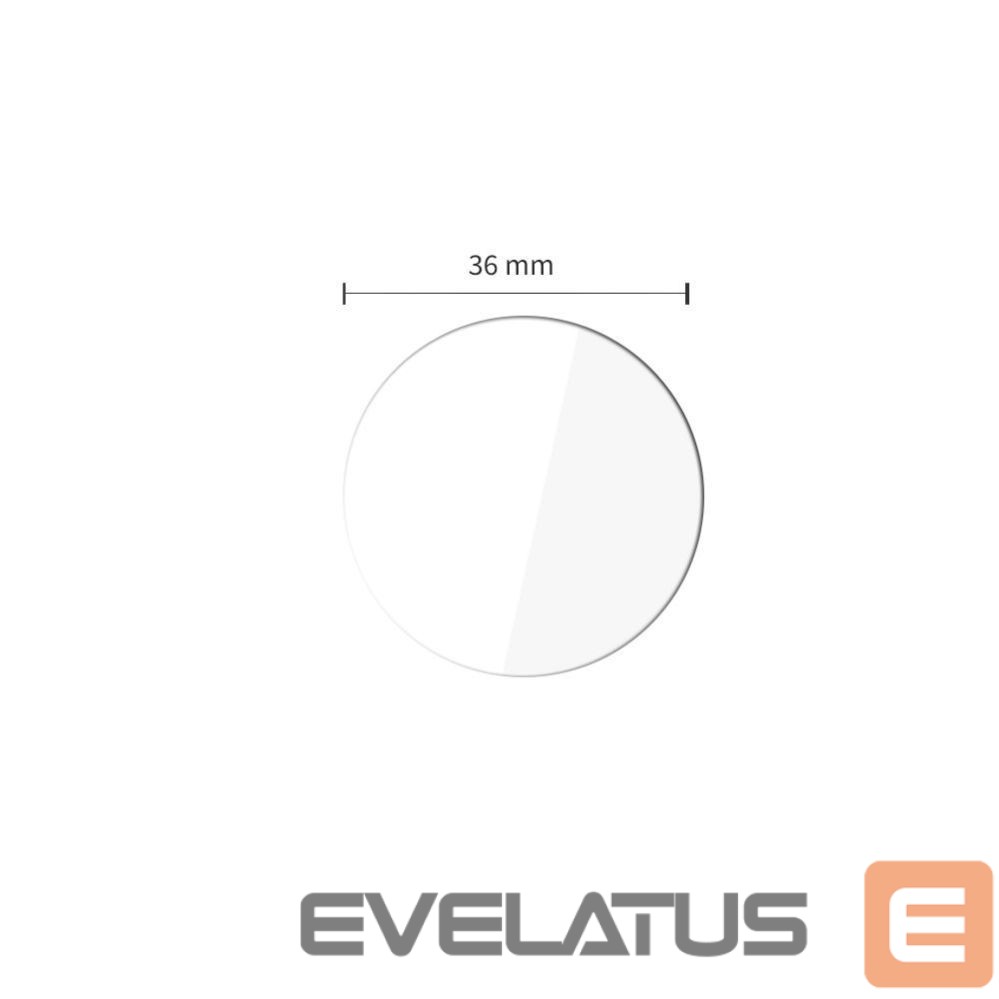
Other goods Tech-Protect Tech-Protect Hydro flex+ 2-Pack Hydrogel Film for Garmin Venu 41mm
Out of stock
Product returnswithin 14 days
31 stores ALL OVER LATVIA
High rating
Official warranty


Basic information
EAN: 5906302392834
Description
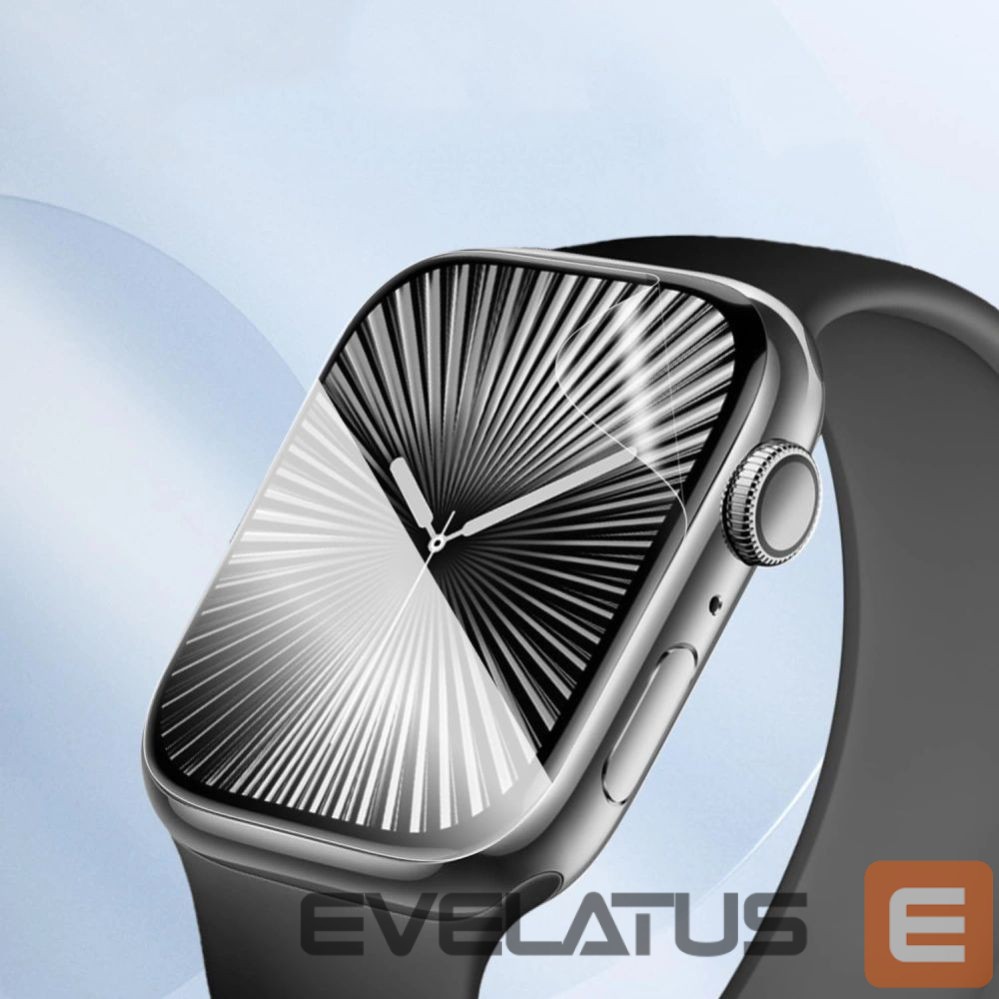
The Tech-Protect Hydro flex+ hydrogel film is a modern screen protector that combines flexibility and durability. Made of high-quality TPU, it adapts perfectly to any screen surface, including curved edges.
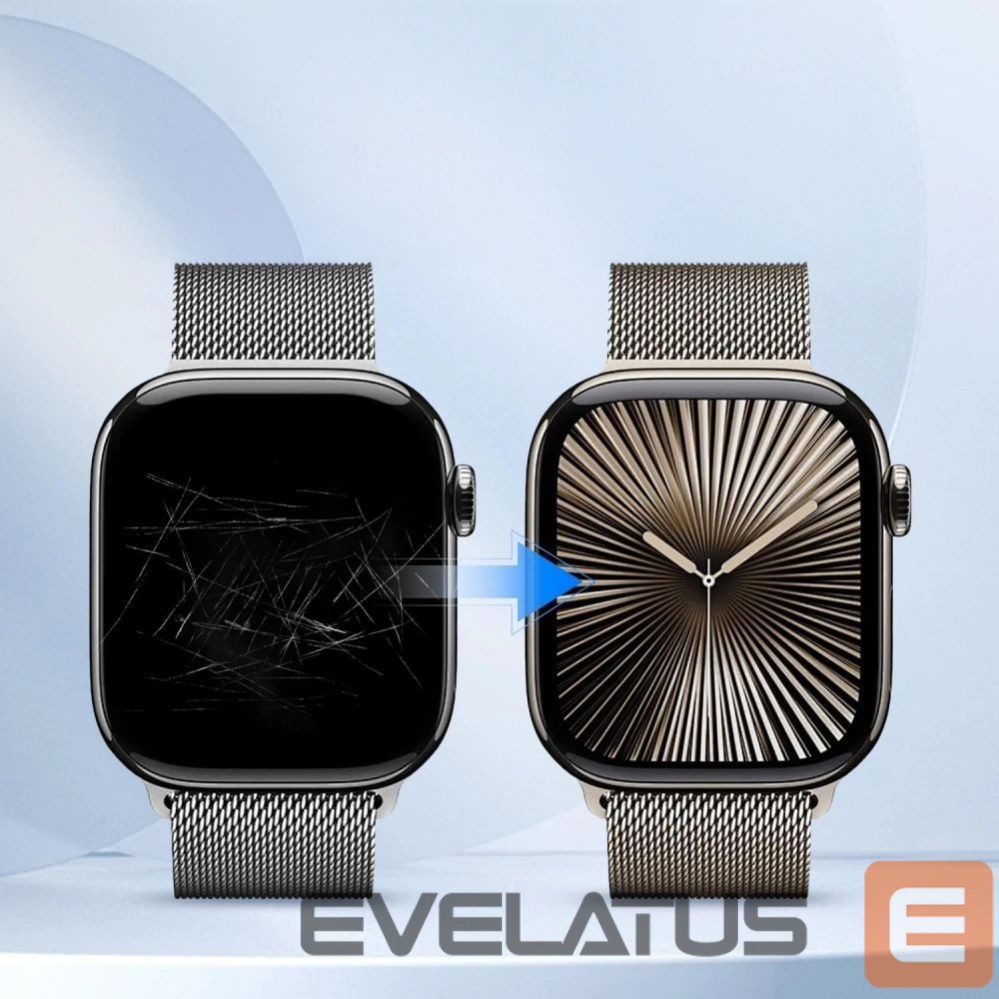
The most important advantage of Hydro flex+ is its comprehensive screen protection against mechanical damage during everyday use. The film boasts innovative self-healing properties, which allow it to automatically smooth out minor scratches incurred during device use. Despite its advanced protection, the film maintains full optical clarity, ensuring faithful display color reproduction and unaffected touchscreen sensitivity.
Thanks to the flexibility of the TPU material, installing the film is simple and intuitive, and the end result guarantees almost invisible protection that does not affect the aesthetics or functionality of the smartphone.
Product features
- 100% Original
- Packed in original packaging
- Made of flexible TPU material
- Perfect fit to the screen curves
- Full transparency and touch sensitivity
- Self-regenerating properties
- Scratch protection
Specification
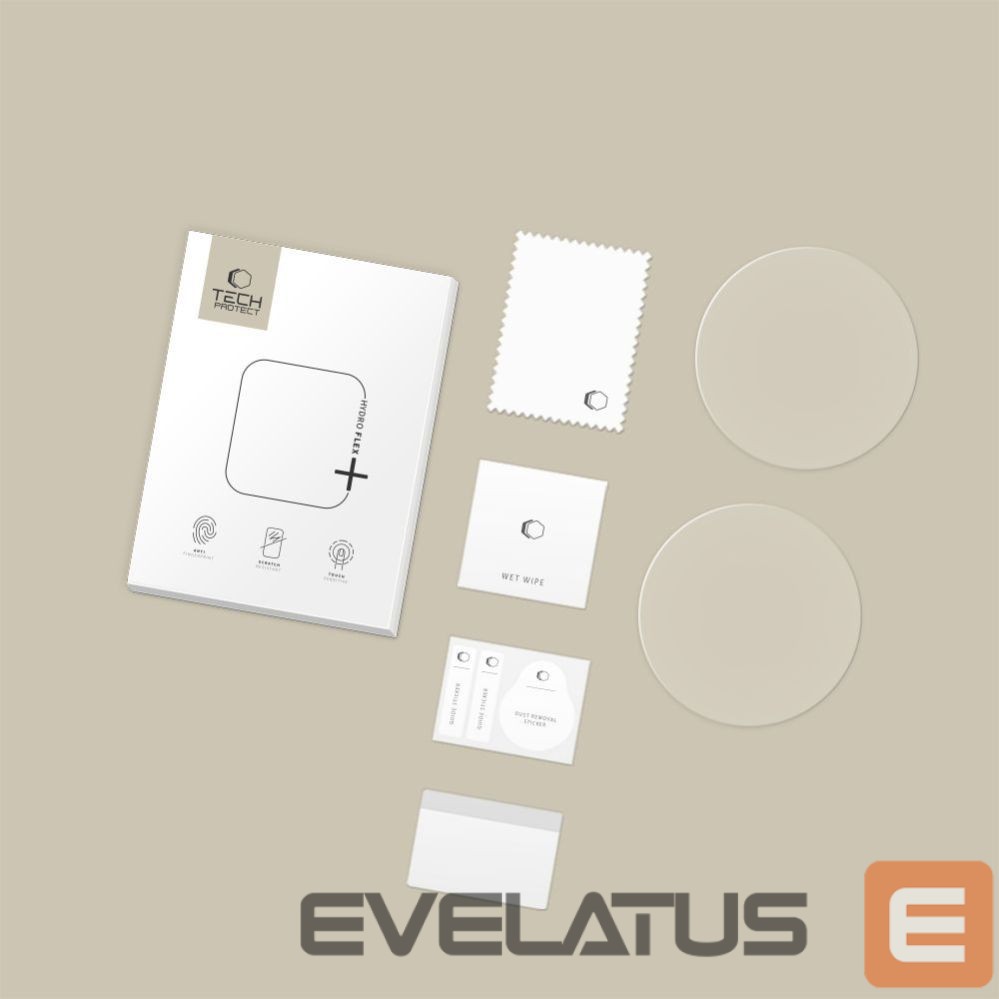
The set includes
2 × Tech-Protect Hydro flex+ foil
2 × Installation kit
Assembly instructions
- Start the installation in the bathroom right after taking a bath – the water vapor will absorb all the dust from the atmosphere and will not interfere with the installation
- Thoroughly clean and degrease the screen surface, then polish it to a shine with a dry cloth.
- Install the foil as evenly as you can – you can position it using the included installation tools
- Get rid of air bubbles by pressing the whole thing firmly in circular motions for several dozen seconds – do it so that the adhesive layer bonds with the screen as strongly as possible
Tech-Protect